




Rockyspin App
Our full game library opens straight from the browser, and the Rockyspin App works on any modern phone or tablet. Installation takes a few taps and places an icon on the home screen. All account tools stay in place, from deposits and limit settings to withdrawal requests. One balance follows each player across every device at Rockyspin Casino, and every session picks up from the same point.



Rockyspin Mobile Experience
Our mobile build carries the same catalog as the desktop site, with layouts rebuilt for smaller screens. Buttons are located within thumb reach, and the lobby loads as a single column so game titles stay easy to read. Filters by provider and category work the same way as on a computer, which keeps navigation familiar for anyone who switches devices during the day. Every category from the Rockyspin Casino lobby appears here in the same order.
Speed is the clearest gain over browser play on a laptop. The Rockyspin app stores interface files on the device after the first visit, so the lobby appears within a couple of seconds on repeat launches. Push alerts about tournaments and reload offers arrive straight to the lock screen. Large monitors still hold an advantage for live dealer tables, where a wide layout shows the side bets and the chat panel at once.
Each version of our mobile casino updates from our servers, so a page reload always brings the current build.
| Device type | How our app opens | What it adds |
|---|---|---|
| iPhone and iPad | Safari Share menu, Add to Home Screen | Full-screen launch and saved login |
| Android phone or tablet | Chrome menu, Install app | App drawer icon and push notifications |
| Windows PC or laptop | Installation of icon in the Chrome or Edge address bar | Taskbar shortcut and a wide game grid |
| Mac | Safari or Chrome, add to the Dock | Large-screen lobby with fast tab switching |
iOS Integration and Features
iPhone and iPad owners install the Rockyspin app through Safari in three steps.
- Open our website in Safari and sign in to the account.
- Tap the Share button in the toolbar and choose Add to Home Screen.
- Confirm the name and tap Add to place the Rockyspin icon next to your other apps.
The result behaves like a title from the App Store. It launches full screen, hides the address bar and keeps the session active between visits. Saved passwords in the iOS keychain fill the login form in one tap, and Rockyspin Casino applies the same account protection here as on the desktop site.
Games from providers such as Pragmatic Play and BGaming run on HTML5, so they open inside the same window of the Rockyspin app and keep sound and touch controls active. Rocky Spin keeps portrait mode ready for online slots and instant games, while a quick turn to landscape widens live tables and their bet panels.
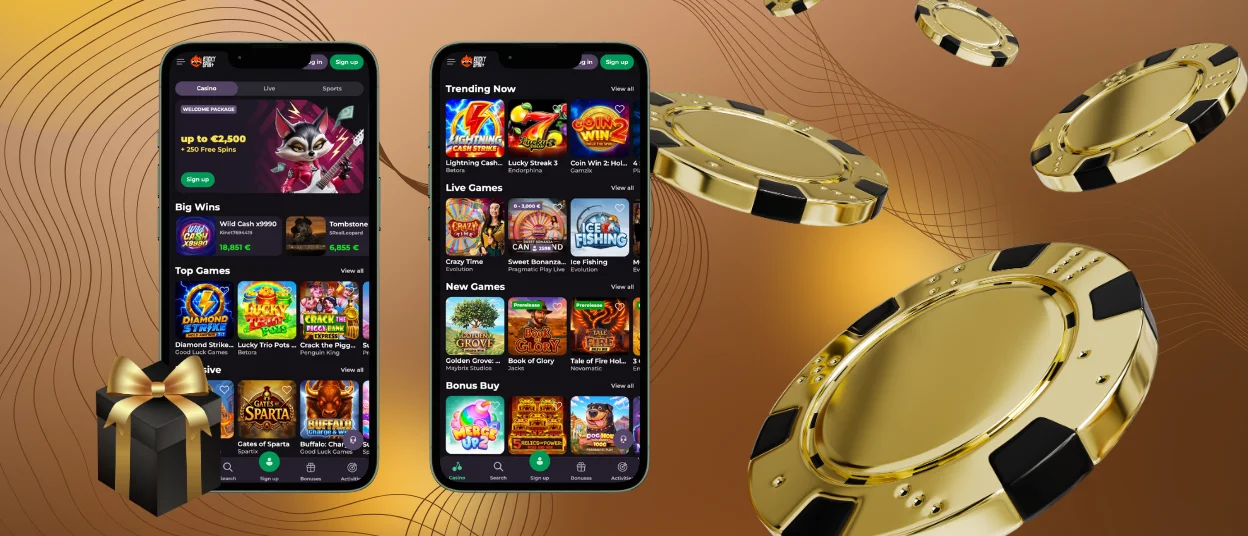
Rockyspin with Android Application
On Android devices, users install our app from Chrome. The browser shows an install prompt in the address bar, and one tap adds the Rockyspin icon to the app drawer. Android 8.0 or a later version with roughly 60 MB of free space covers the requirements for a smooth start in the Rockyspin app.
After installation, the Android version adds several tools beyond the standard browser view:
- Push notifications for missions and reload offers
- Background updates that apply after a page reload
- Offline access to balance history and bonus terms
- Screen lock support that returns to the same game round
Performance stays steady on mid-range hardware because the code loads assets in stages. Rocky Spin runs the same certified titles here as on desktop, including crash hits such as Plinko and Aviator. Touch zones around each control are wider than the visible button, so taps register on the first attempt during fast rounds at Rockyspin Casino.
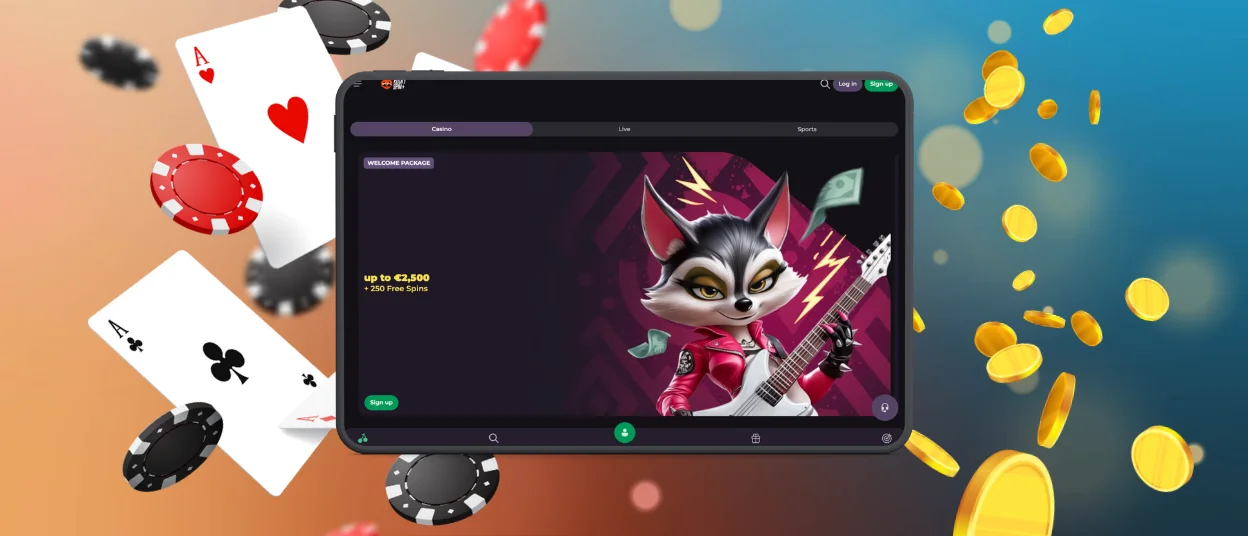
Rockyspin Desktop Platform
Windows and macOS players open Rockyspin Casino in any current browser, including Chrome and Safari. Chrome and Edge add an install icon to the address bar, which opens our platform in a separate window with a taskbar or dock shortcut. The wide layout shows more of the lobby at once and suits long sessions at the table games.
Desktop hardware also helps with multitasking. Players keep a live chat window open next to a game and follow tournament standings in a second tab. The wallet at Rockyspin Casino stays one click away for deposits and payment history. Our verification process moves quickly on a computer, since document scans stored on the drive upload in a single step.
Network Performance Optimization
Rocky Spin sends compressed assets and matches stream quality to the available bandwidth, so the gaming experience stays smooth on mobile data as well as on Wi-Fi. Slot rounds need under 100 KB of traffic each, while live dealer video consumes far more.
| Connection type | Loading behavior | Practical step |
|---|---|---|
| Wi-Fi | Fastest lobby loading and stable live streams | Best choice for long live dealer sessions |
| 5G | Speed close to home broadband | Suitable for live tables and video slots |
| 4G and LTE | Slots and instant games load within a few seconds | Lower the live video quality for steadier play |
| 3G | Classic slots and account pages stay responsive | Play in single-game mode and pause background syncing |
A few habits keep sessions stable when the signal weakens. Close background applications before a live table session, since large downloads compete for the same bandwidth. Keep our app open in a single tab so the connection handles one stream at a time. When coverage drops mid-round, Rockyspin servers hold the game state, and play resumes at the same point once the device reconnects.
Frequently Asked Questions
Are all account management features available through the Rockyspin mobile application?
Yes, the mobile application carries the full account panel. Players add funds and request withdrawals from the same menu as on desktop, and gambling limits are in the profile area of Rockyspin Casino. Document uploads for the verification process run through the phone camera or the photo gallery. Our Support Team answers through live chat inside the Rockyspin app around the clock.
How can users update the Rockyspin mobile software version?
Updates install themselves. Our progressive web app pulls the newest build from the server every time the page reloads, so a manual download from an app store stays unnecessary. To force a refresh, close the Rockyspin app fully and open it again from the home screen icon. Clearing the browser cache for our domain also brings the current Rockyspin Casino version on the next launch.
What are the minimum system requirements for the Rocky Spin application?
The Rocky Spin application runs on Android 8.0 or later and on iOS 13 or later, with roughly 60 MB of free storage for cached files. A current version of Chrome or Safari with JavaScript enabled covers the browser side. A stable connection of 3 Mbit/s supports online slots and instant games, while 5 Mbit/s suits live dealer streams in HD quality. Rocky Spin Casino keeps the same catalog on every supported device.


